Recording actions does not respect non-ANSI keyboard settings
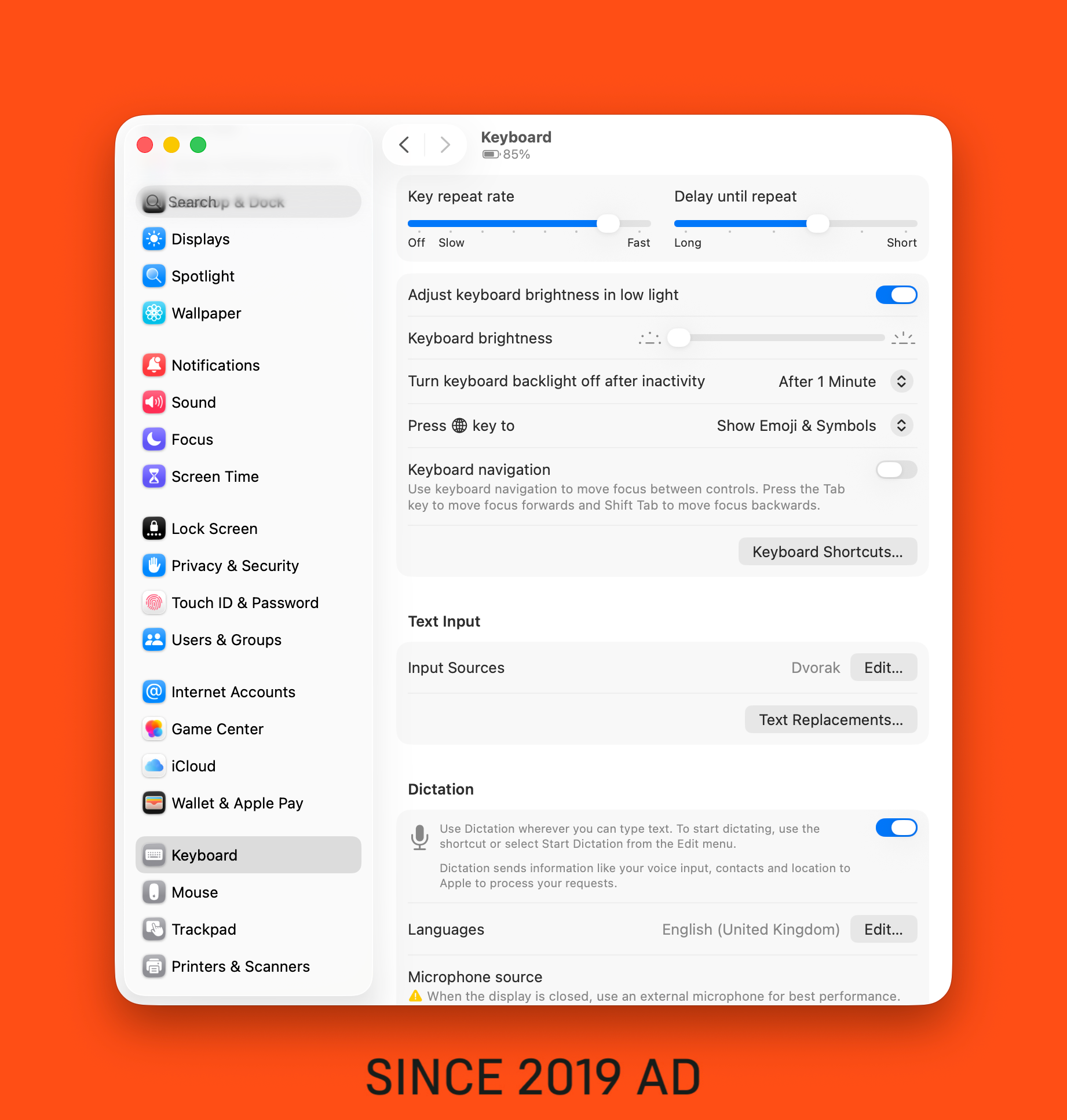
I'm on a Mac and I use a QWERTY keyboard (Apple Wireless Keyboard) and it's set up in the settings to be Dvorak. When I go to record an action, it ignores this override and registers the key input of the QWERTY keyboard.
I can imagine a world where some people would want to have this setting optional. So maybe some sort of indication or toggle to use QWERTY settings or keyboard override settings.
- Product
- Creator Micro v2
Log in to comment and vote
Comments4
Eric Dragon
Aug 15
Did this get fixed in March? I seem to be having the same issue currently with fully updated firmware/software
Davide // Work Louder
Jan 8
Hi @Samuel Gregory and @Gautier Zimmermann , thanks for your feedback! We have confirmed and reproduced the behavior and it will be fixed by the end of March.
Gautier Zimmermann
Dec 19, 2025
I have the same issue with a French Keyboard (AZERTY) with French as Text Input Sources. But anyway action are regarded is if my keyboard way a QWERTY.
And if use preset form Work Lourder, it acts like if the keyboard is in QWERTY too. So if I use Undo preset (cmd + Z), it closes a window (it acts like cmd + W)
Edit: It appears that is I record “cmd + Z” as an action, Input displays it as “cmd + W” but the action is “cmd + Z”. It’s appears to be a display issue
Samuel Gregory
Dec 29, 2025
The solution right now is to set up all your shortcuts using QWERTY but the implementation will be your Text Input Source.
Wish the app would respect Text Input settings but this is not the first time I’ve had this issue and so I imagine it’s hard to implement. As long as we know to set up in QWERTY. Can’t say the same for presets unfortunately.